

100% on-device AI. No screen uploads.
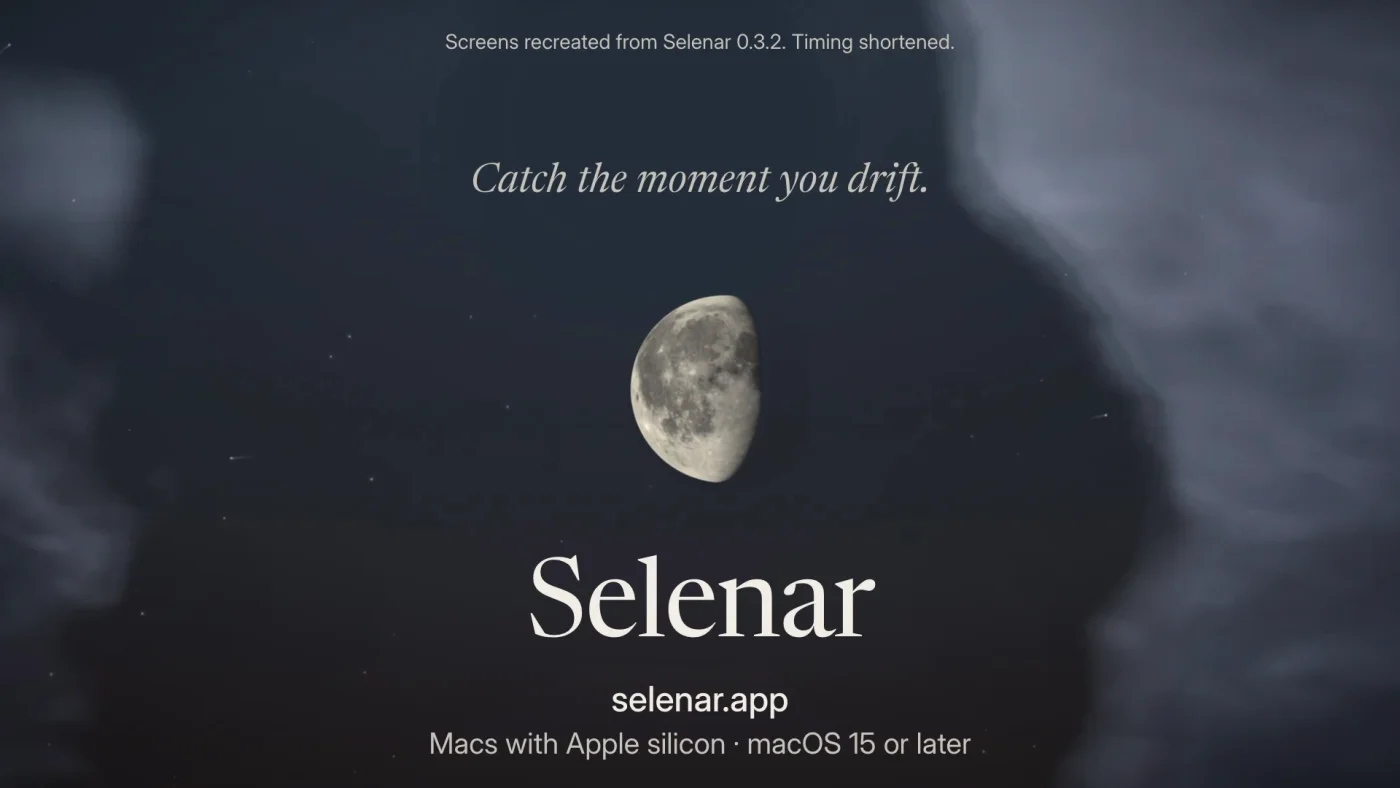
Catch the moment you drift.
Selenar gives you a moment to leave the content, sites and apps you choose to avoid on your Mac.
See it work.

You know the moment.
You sit down to do one thing.
A sentence stalls. Your hand opens a new tab before you’ve decided anything.
The thing you sat down to do is exactly where you left it.
A notice, the moment the page opens.
For a category match, Selenar puts one question in front of the page: Leave it, Continue for 10 minutes, or Wrong call.
Check your Mac

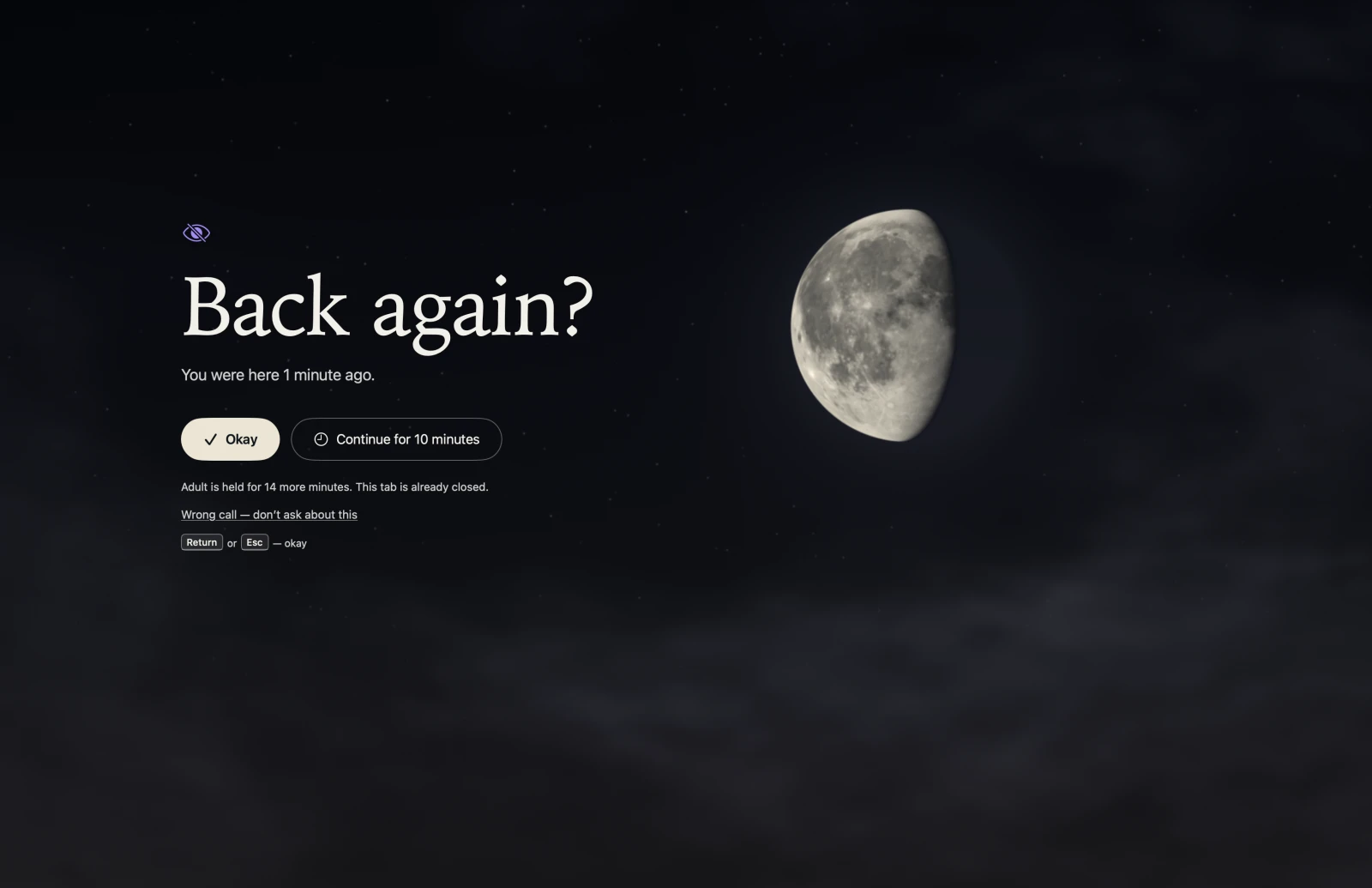
- Leave it
- Closes the tab in Safari and Google Chrome, or hides the app. Holds the category for 15 minutes.
- Continue for 10 minutes
- Stay 10 more minutes. If you’ve moved on when they end, nothing interrupts you.
- Wrong call
- Corrects a mistaken reading. Exempts that category at the app or site for 24 hours.
How it works.
-
Choose what counts.
Pick whole categories: social media, movies and TV, games, news, shopping, sports, gambling. Always on starts with Adult; add or remove any category. Most categories use page content. Gambling matches known sites; add other sites in Rules.
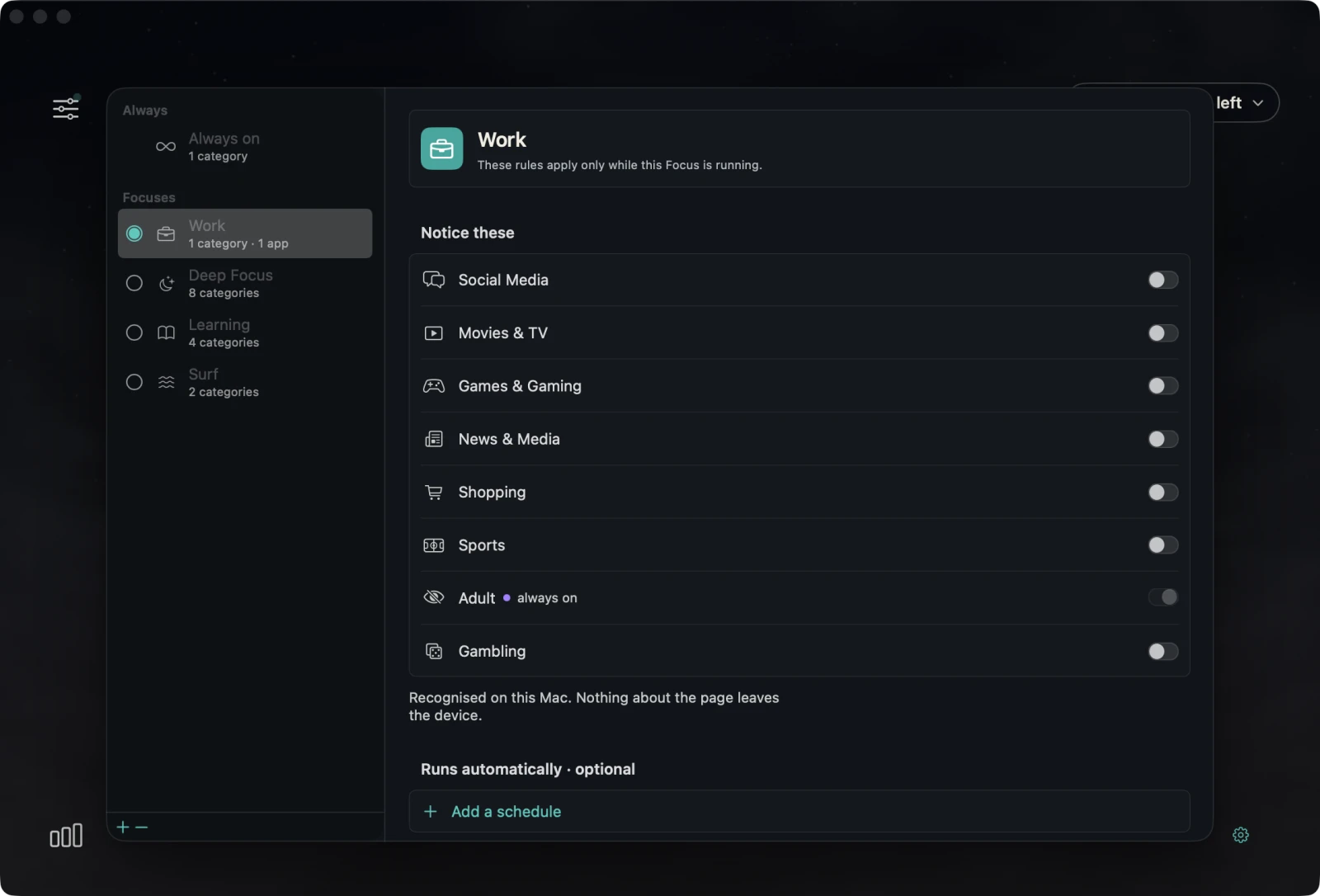
Categories in Work Focus. Adult is covered by Always on.Scroll across to inspect the switches. -
A Focus, when you want more.
Always on covers what you’ve already decided against. A Focus covers what you’re still negotiating.
Click the moon to open a Focus, then choose Start for a stretch of work. Its categories count only while it runs, on top of Always on.
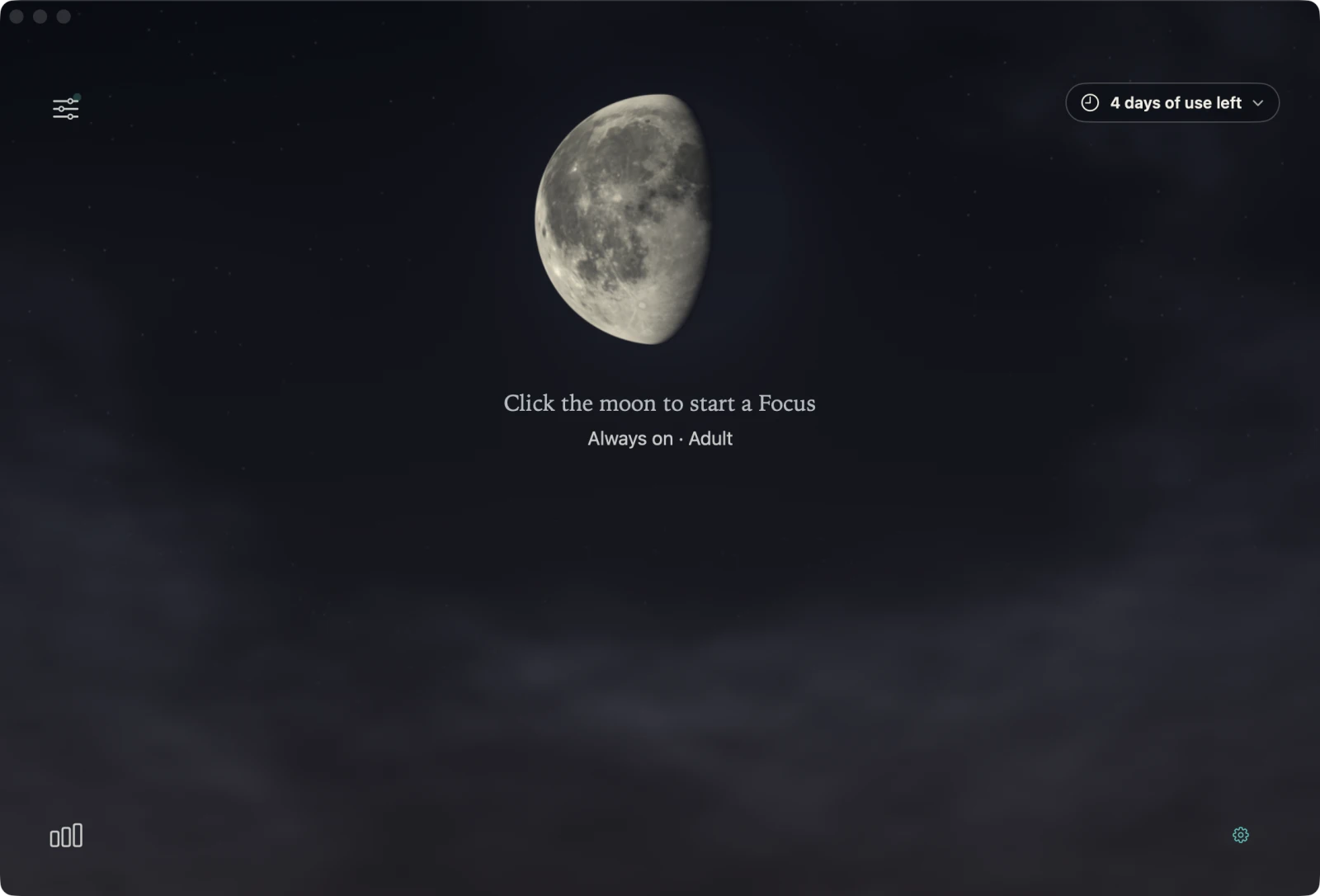
Example trial data.
It isn’t your fault the tab opened.
Feeds, autoplay and the next video are built to be hard to leave. Your hand gets there before the decision does.
My loop was porn. I knew the explanations, tried counselling and therapy, blocked the sites. Block one and I’d find another, and lose another evening. When the urge came I was still alone with it.
I didn’t need another wall. I needed something at the door at the right moment, to ask, not to stop me. That moment is what Selenar catches.
What’s on your screen stays on your Mac.
The bundled AI runs entirely on your Mac. No cloud AI services or external AI API calls. Screen text, window images, page addresses and titles are not uploaded.
- What it reads
- The text in the window you’re using, through the Accessibility permission. If you allow Screen Recording, also windows with no text, like games and video. In Safari and Google Chrome, the page’s address and title.
- What it keeps
- Your settings and rules, your licence key (which includes your purchase email), and coarse counts such as how many notices and how many Leaves. For up to an hour, which category you just left. For 24 hours, a one-way fingerprint of a site or app you marked Wrong call. Local logs can include app names, website domains and action outcomes. Page text, full URLs, titles and window captures are not saved.
- What does use the internet
- Buying it, the licence email and the update check. None of them carries anything from your screen, and payment is never linked to what the app sees.
Questions.
- Can’t I just click past it?
- Yes. Continue gives you 10 minutes. Leave closes the tab and holds the category for 15 minutes. If you return during the hold, Selenar closes that tab and shows the time remaining.
- Isn’t this just another blocker?
- No. A first match shows a notice. If you choose Leave, it holds that category for 15 minutes. A matching return during the hold attempts to close the tab or hide the app before showing the held notice. Most categories use page content. Gambling matches known sites; add other sites in Rules.
- Will it catch everything?
- No. It reads best in Safari and Google Chrome; other browsers give it less to go on, and some pages, languages and private windows will slip past.
- What does it cost?
- Free for 7 days of use, then US$19 once. No subscription and no account. The installed version keeps working, with updates released within a year of your original purchase. Refund policy
- Will it run on my Mac?
-
- Mac
- Apple silicon
- System
- macOS 15 or later
- Page detail
- Safari and Google Chrome
- Other browsers
- Recognised from what’s on screen
Check under Apple menu → About This Mac: the chip name starts with Apple M. Full compatibility
- How do I get rid of it?
- Quit it from the menu bar and move it to the Trash. The uninstall guide lists the local files to remove and the trial record that remains in Keychain. Uninstall guide
- Who is it for?
- One adult, on their own Mac. It isn’t parental control, workplace monitoring or treatment, and it makes no promise to cure anything.
7 days of use free.
US$19 once.
Counted only on days Selenar is watching. No subscription.
macOS 15 or later on Apple silicon. Gumroad shows local currency and applicable taxes at checkout.
Already sure? Buy it now for US$19
- Always on, starting with Adult
- Eight categories, plus exact apps and sites if you want them
- Leave it, Continue for 10 minutes, Wrong call
- An optional Focus from the moon
- Yours to keep, with a year of updates
- macOS 15 or later, Apple silicon