Keep shopping out of a work session on Mac
Start with a session boundary. If one store is the problem, choose that exact site or app. If you keep moving between stores, try Shopping in a Focus. Leave room for purchases your work actually requires.
Separate buying from browsing
Write down the work you want to finish before opening a store. If you need an item for that work, write down the item too. A visit to order a cable and an open-ended search for something to buy should not need the same rule.
Close shopping tabs you are keeping "for later" and put their links in a separate list. During the session, add a link to that list rather than opening another store. This gives you somewhere to return after work without treating every product page as a task you must finish now.
Choose the smallest rule that fits
Selenar has both exact site and app rules and a Shopping category. Use an exact rule when the unwanted visit has a known destination. Use Shopping when you want the same choice across shopping content without naming every store.
A category uses local recognition of the window you are using. It can miss a page or mistake necessary work for shopping. An exact site rule also depends on the page context Selenar can obtain. Neither is a guarantee that every URL in every browser will be caught.
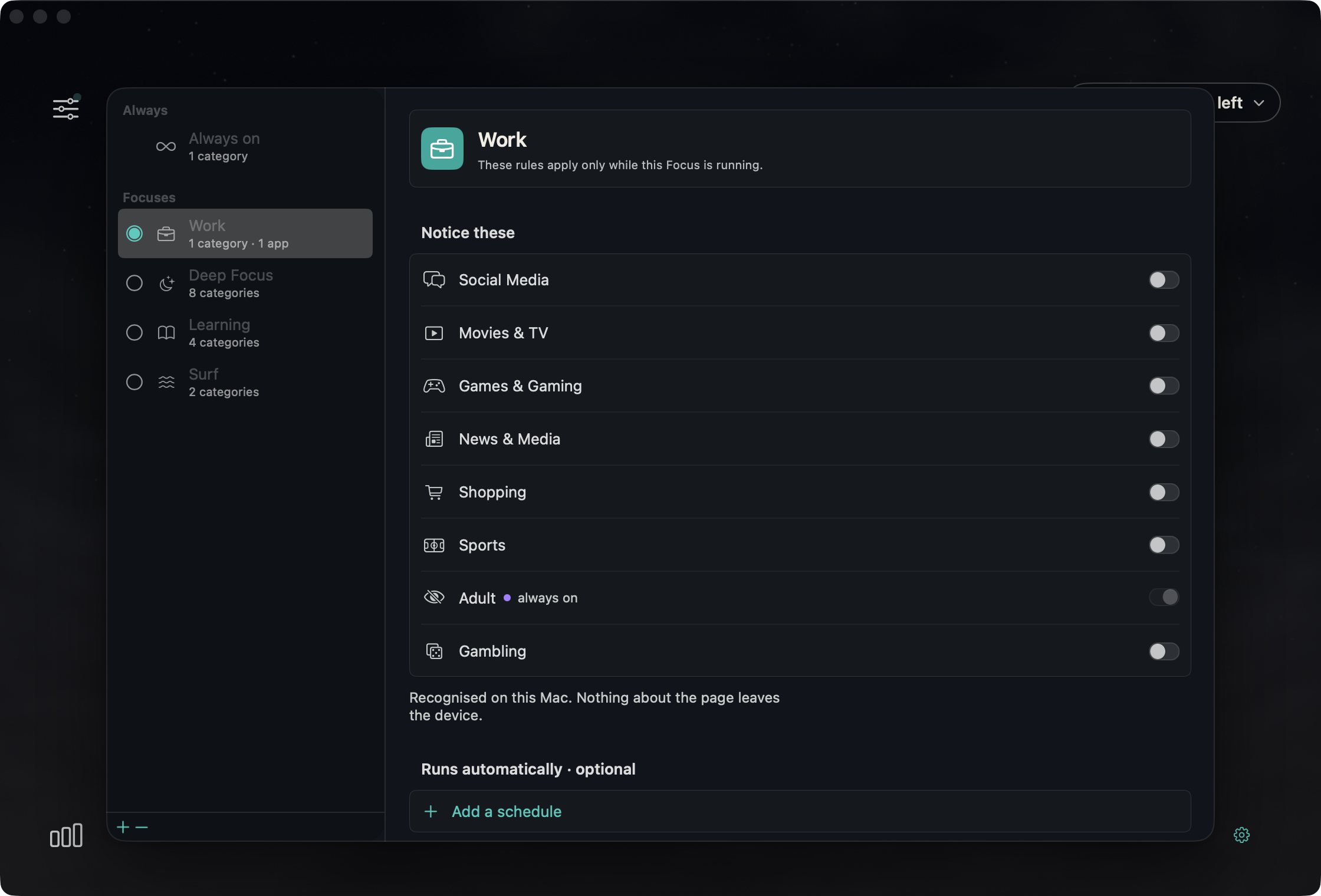
For a work-only boundary, use a Focus. Its rules apply only while that Focus is running, on top of Always on. Put Shopping in Always on only if you want it noticed whenever Selenar runs. You can add or remove any of the eight categories; Always on starts with Adult.
Set up a shopping-free work session
- Check your Mac and permissions. Selenar needs Apple silicon and macOS 15 or later. Accessibility reads window text.
- Open Rules. Under Focuses, select your work Focus row to edit it. Under Notice these, turn on Shopping. For an exact site instead, use Sites · optional, enter its domain, then select Add. To select this Focus, click the circle beside its row, or right-click the row and choose Use this Focus.
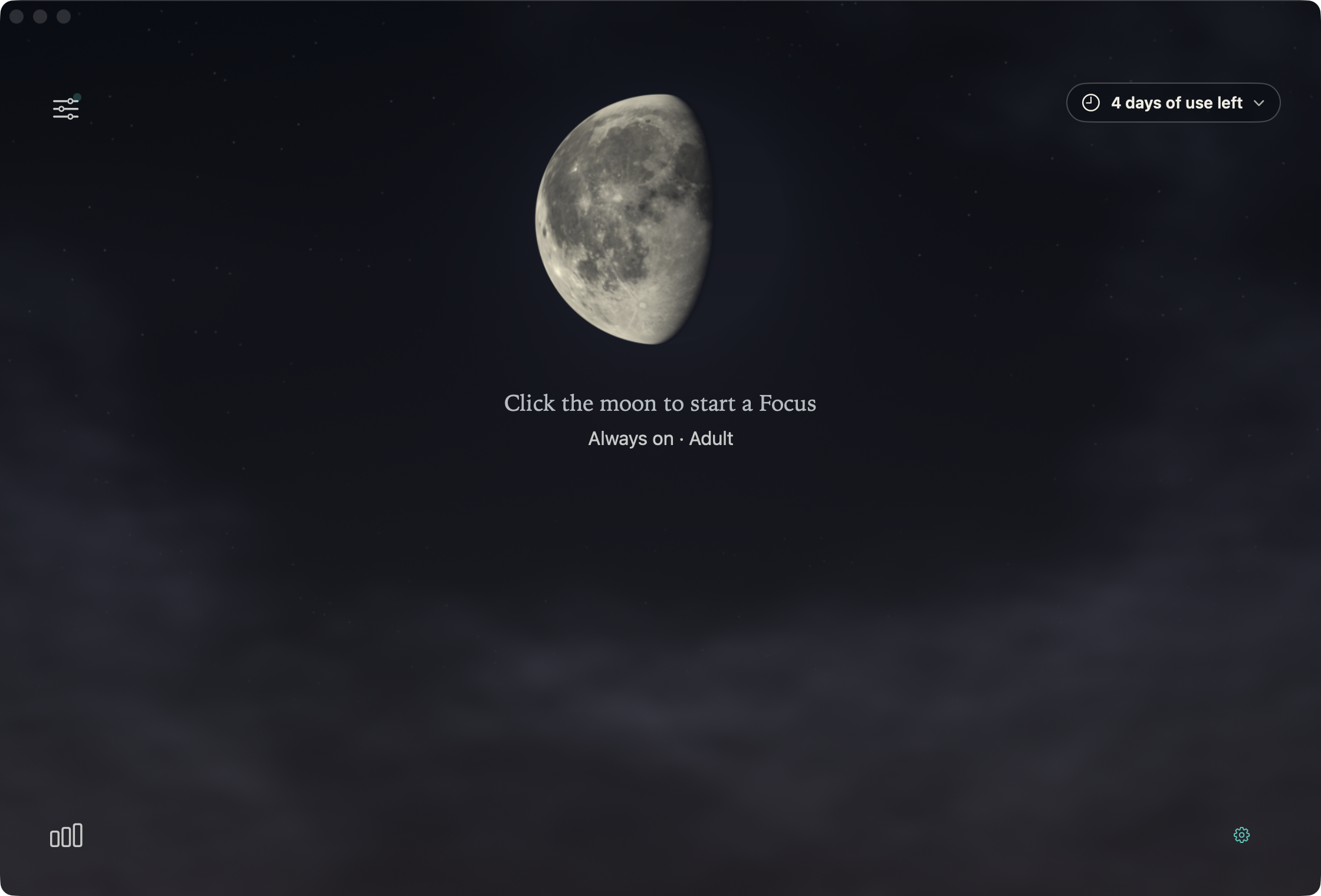
- After editing the rules, return to Home and click the moon to open the Focus controls, then choose Start. Selecting a Focus in the rules editor does not start it. Always on needs no Focus start.
- Open a shopping page you intended to catch and check how the rule behaves. Also open a page you need for work. If either result is wrong, adjust the rule before relying on it for a session.
Swipe sideways to inspect every switch →
Decide at the notice
Choose Leave it to close a scriptable browser tab or hide the app. It holds the matched category or configured target for 15 minutes. A Shopping category hold also covers other recognised shopping content. An exact destination rule holds that configured target.
Continue lets you stay for 10 minutes when the purchase belongs in the session. If you have moved somewhere else when that time ends, expiry is quiet. Wrong call corrects a category match and exempts that category at the site or app for 24 hours. An exact-rule notice uses This rule is wrong, which exempts that rule at the current site or app for 24 hours. If you regularly need the same site for work, reconsider a broad rule that catches it.
Tab closing needs Automation access to Safari or Google Chrome. In an unscriptable browser such as Firefox, Leave hides the browser instead. Safari and Google Chrome Automation also add page address and title as recognition context. Optional Screen Recording helps with windows without accessible text.
Review the session, then stop the work rule
When the work session ends, stop its Focus if you want its additional rules to end. Review whether the rule caught the browsing you wanted to avoid and allowed the purchases you needed. Adjust a specific destination or category based on those observations. This is a rule for your own choices, not a diagnosis or treatment for buying behavior.
Sources and related guides
Try Selenar on your Mac
Apple silicon and macOS 15 or later. Seven days of use free, counted only on days Selenar is watching. US$19 once includes one year of updates. New purchases have a 14-day refund window from purchase. Refund policy.
Check compatibility before downloading.
Buy Selenar for US$19. Gumroad shows local currency and applicable taxes.